
Advanced Production Techniques for High-Impact Instructor-Led Videos
Elevate your Instructor-Led Videos (ILVs) with expert guidance on post-production, visual design, instructor presentation, and synchronization techniques. Learn to create engaging corporate training videos that maximize learning impact.
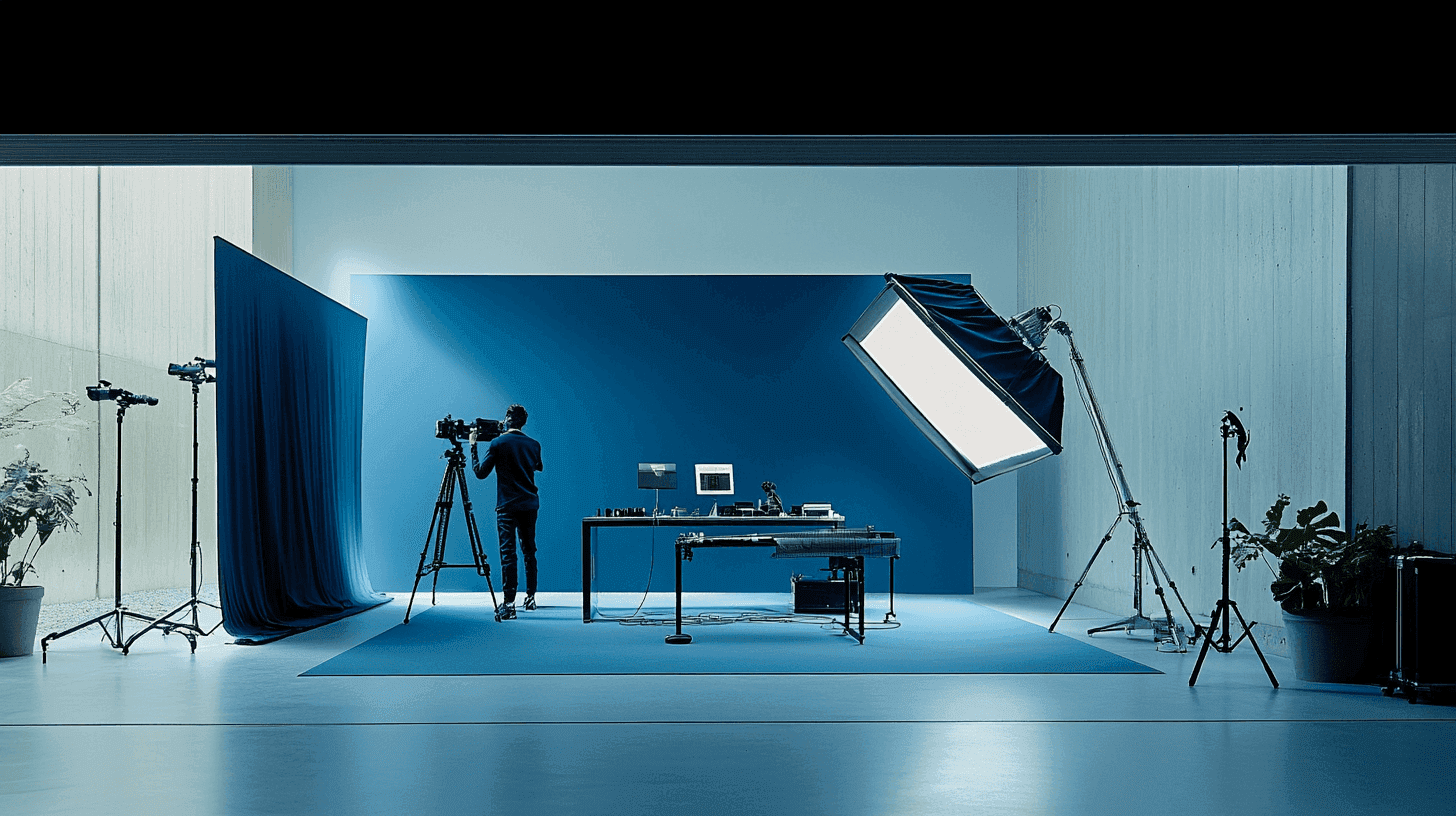
In the world of corporate eLearning, Instructor-Led Videos (ILVs) have become a cornerstone of effective training. While basic ILVs can be impactful, mastering advanced production techniques can elevate your content to new heights. This article delves into the intricacies of post-production, visual design, instructor presentation, and synchronization to help you create truly high-impact ILVs.
Post-Production Mastery
Video Editing and Scene Transitions
The art of video editing goes beyond simply cutting and arranging clips. It's about creating a seamless flow that enhances the learning experience.
- Use smooth transitions between scenes to maintain viewer engagement. Fade-ins, fade-outs, and dissolves can effectively signal topic changes
- Implement jump cuts judiciously to eliminate dead air or mistakes, ensuring a tight, professional feel
- Consider using split-screen techniques to show multiple perspectives or compare and contrast ideas
Sound Design
Great audio is crucial for ILVs. Poor sound quality can derail even the most visually stunning video.
- Clean up audio tracks by removing background noise and normalizing volume levels
- Add subtle background music to set the tone and pace of your ILV. Ensure it doesn't overpower the instructor's voice
- Use sound effects sparingly to emphasize key points or transitions between topics
Color Correction and Grading
Color plays a vital role in the mood and professionalism of your ILV.
- Correct any color imbalances to ensure skin tones look natural and consistent across all footage
- Use color grading to create a cohesive look throughout your video, reinforcing your brand identity
- Consider using color psychology to enhance learning. For example, use warm colors for energetic sections and cool colors for more reflective parts
Advanced Visual Design
On-Screen Text (OST) Guidelines
Effective use of on-screen text can significantly enhance retention and engagement.
- Limit OST to no more than 25% of the screen to avoid overwhelming viewers
- Use 10-15 words at a time, displayed for 8-10 seconds, to allow for comfortable reading and comprehension
- Ensure high contrast between text and background for readability
Motion Graphics (MoGs)
Motion graphics can bring complex concepts to life and maintain viewer interest.
- Use MoGs to visualize abstract concepts or data-heavy information
- Implement subtle animations to guide viewer attention to key points
- Create animated infographics to summarize complex processes or ideas
Strategic Iconography
Icons can serve as visual shorthand, improving information retention and recall.
- Develop a consistent icon set that aligns with your brand and subject matter
- Introduce and clearly label new icons before using them throughout the ILV
- Use familiar icons for common concepts to leverage existing mental associations
Instructor Presentation Techniques
Tone Variation
A monotonous delivery can quickly lose viewer interest. Encourage instructors to vary their tone for maximum engagement.
- Aim for at least 2-3 tone changes in a 5-minute video
- Use an inquisitive tone when posing questions, an authoritative tone for key points, and a conversational tone for examples or anecdotes
- Practice emotional inflection to convey enthusiasm, concern, or reflection as appropriate to the content
Effective Use of Multiple Backgrounds
Changing backgrounds can signal topic transitions and maintain visual interest.
- Aim for 2-3 background changes in a 10-minute video
- Ensure each background is relevant to the content being discussed
- Use consistent lighting across all backgrounds to maintain a professional look
Mastering Synchronization
VO-OST Synchronization
- Ensure on-screen text appears slightly before or exactly when it's mentioned in the voiceover
- For longer text, consider having it appear just before the voiceover to allow viewers to read along
Audio-Visual Synchronization
- Align visual elements (like animations or transitions) with audio cues for a cohesive experience
- Ensure lip-sync is perfect if the instructor is on-screen while speaking
Idea-Visual Synchronization
- Present visual representations of concepts as they're being explained verbally
- Use animations that progress in time with the instructor's explanation of a process or idea
By mastering these advanced production techniques, you'll be well-equipped to create ILVs that not only inform but also engage and inspire your learners. Remember, the goal is to create a seamless, immersive learning experience where every element works in harmony to support the educational objectives.
Explore Our Services
Interested in what you just read? See how we can help your organization.
Related Articles
Optimizing Instructor-Led Videos: From Signposting to SCORM
Enhance your Instructor-Led Videos (ILVs) with advanced optimization strategies. Master the art of signposting, learn effective voiceover techniques, and discover methods to measure ROI, creating more impactful corporate training experiences.
Implementing Instructor-Led Videos for Effective Leadership Development in Corporations
Optimize leadership training with Instructor-Led Videos (ILVs). Explore practical strategies for implementing ILVs in corporate leadership development, from content creation to measuring ROI.