
Customizing Corporate Simulations: Tailoring Learning Experiences for Maximum Impact
Explore the process and benefits of customizing corporate simulations. Learn how tailored learning experiences can significantly enhance your organization's training effectiveness and business performance.
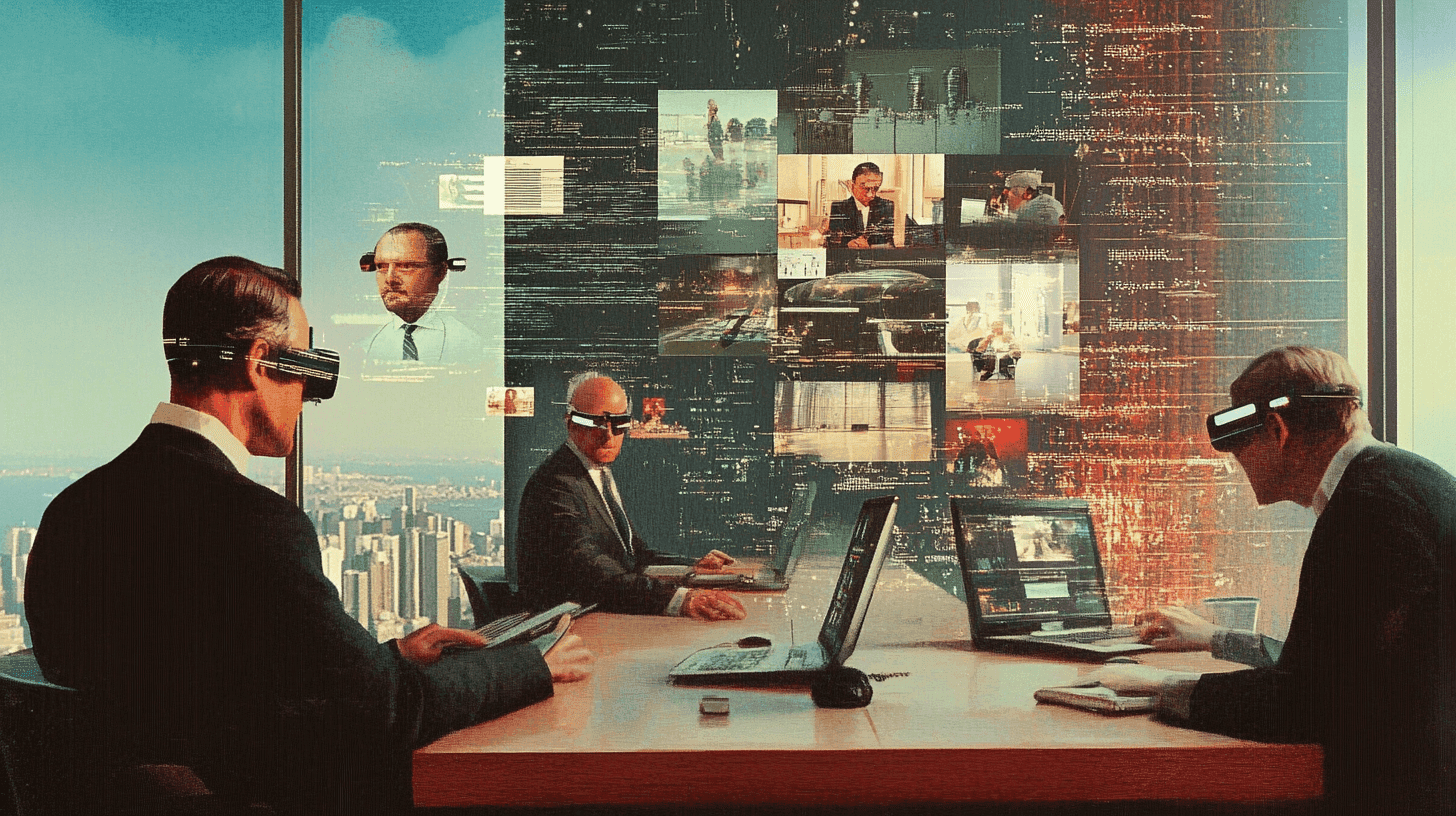
In an era where one-size-fits-all training solutions are increasingly ineffective, customized corporate simulations offer a powerful alternative. By tailoring simulation experiences to your organization's specific needs, industry, and culture, you can create learning experiences that are more engaging, relevant, and impactful. This article explores the key areas and processes involved in customizing corporate simulations.
The Value of Customization
Customized simulations offer several advantages:
1. Relevance — Scenarios directly reflect your organization's specific challenges and industry context.
2. Engagement — Employees relate more easily to familiar situations and characters.
3. Alignment — Learning objectives can be precisely mapped to your organization's goals and competency frameworks.
4. Cultural fit — Simulations can incorporate your company's values, language, and ways of working.
Key Areas for Customization
1. Scenario Design
Develop scenarios that mirror real situations your employees face. This might include:
- Industry-specific challenges
- Common internal processes
- Typical customer interactions
- Ethical dilemmas relevant to your sector
2. Character and Role Creation
Create characters that reflect your organization's diversity and roles:
- Use familiar job titles and departments
- Incorporate diverse backgrounds and perspectives
- Include key stakeholders specific to your business
3. Data and Metrics
Integrate data and metrics that align with your business:
- Use familiar KPIs and reporting formats
- Incorporate realistic financial data and market conditions
- Reflect your company's decision-making processes
4. User Interface and Branding
Customize the look and feel of the simulation:
- Incorporate your company's branding elements
- Use familiar software interfaces where relevant
- Ensure accessibility standards meet your organization's requirements
5. Language and Terminology
Adapt the simulation's language to your corporate culture:
- Use industry-specific jargon and acronyms
- Incorporate company-specific terms and phrases
- Offer multiple language options for global organizations
The Customization Process
The customization process typically involves the following phases:
1. Needs Assessment — Identify learning objectives, target audience, and key challenges.
2. Design and Development — Create scenarios, characters, and interactions tailored to your organization.
3. Review and Iteration — Work with stakeholders to refine the simulation experience.
4. Pilot Testing — Test with a small group to gather feedback and make final adjustments.
5. Full Deployment — Roll out the customized simulation across the organization.
6. Continuous Improvement — Use analytics and feedback to continuously refine the experience.
By investing in customized simulations, organizations can create learning experiences that truly resonate with their employees and drive meaningful behavioral change.
Explore Our Services
Interested in what you just read? See how we can help your organization.
Related Articles
Measuring Success: Analytics and KPIs for Corporate Simulation Training Programs
Discover how to effectively measure the success of your corporate simulation training programs using analytics and key performance indicators (KPIs). Learn to track, analyze, and optimize your simulation-based learning initiatives for maximum ROI.
Design Thinking Simulations: Transforming Problem-Solving in Corporate Environments
Discover how Design Thinking simulations are reshaping problem-solving in corporate environments. Learn to implement these powerful tools to foster innovation and enhance decision-making in your organization.